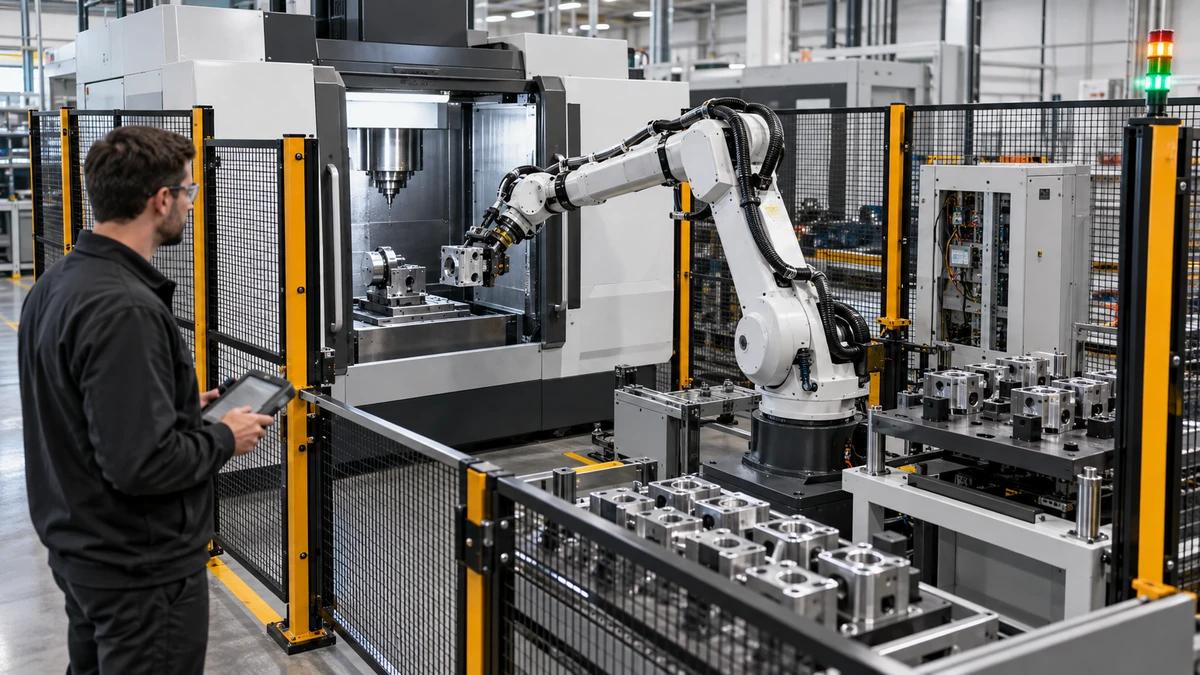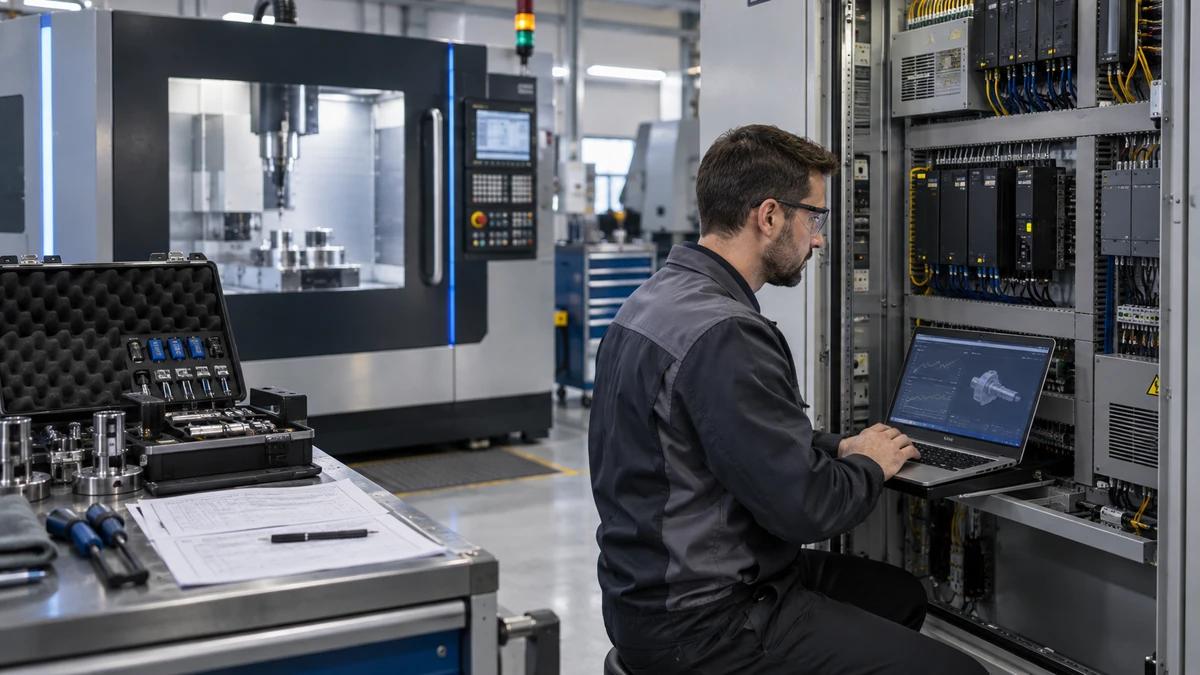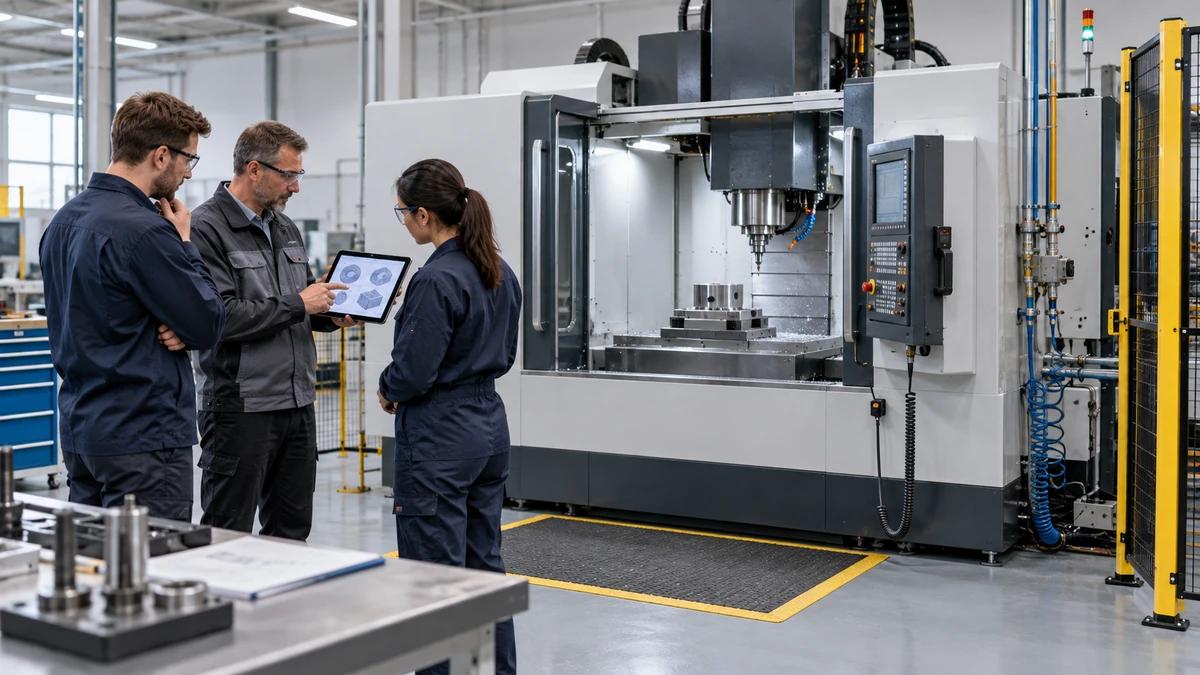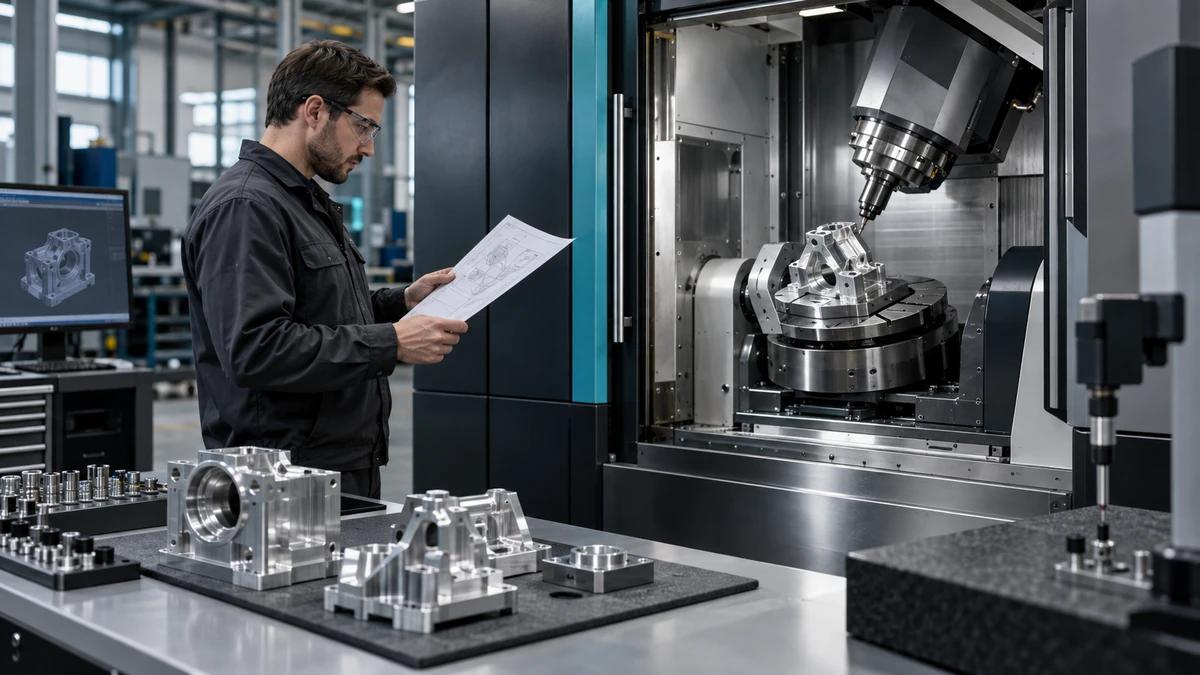
A CNC machining center controller selection is best tested through one complete job: receive a controlled program, prepare tools, set work offsets, prove the path, recover from a planned stop, inspect the part, protect the data and hand the machine to the next shift. A controller that looks familiar in a brochure may create friction when it meets the factory's programmers, operators, maintenance team and automation interfaces.
Zhihe CNC buyers should begin with those roles and tasks, then confirm which controller and licensed functions are available on the proposed machine. Brand name alone does not define memory, cycles, axis control, probing, connectivity, security, support or training. Every conclusion needs the quoted hardware and software configuration attached.
Hand the Same Job Packet to Every Proposal
Use a representative part family rather than a perfect demonstration program. The packet should include drawing revision, material, stock, fixture assumptions, tool list, program source, postprocessor, coordinate strategy, inspection method, automation needs and expected batch pattern. Remove sensitive data or use an approved representative file when confidentiality requires it.
Ask each supplier to return a task map. It should show what happens offline, at the control, in external software and through optional interfaces. This keeps comparisons anchored to work instead of isolated interface screenshots.
Walk 1: Receive, Identify and Protect the Program
Observe how the operator identifies the correct file, revision and machine destination. Test the permitted transfer method, directory structure, naming constraints and version controls. Record who can overwrite or delete production data and how the factory prevents the wrong revision from becoming active.
Do not assume network connection equals governed data flow. The buyer's cybersecurity and IT owners should review media, accounts, remote access, backups and network segmentation for the intended site. Controller capability is one input; site policy decides how it may be used.
Walk 2: Read the Program Before Motion
Give the operator a chance to find work offsets, tool calls, spindle commands, rotary positions, macros and subprograms. Ask what the control displays when a required option or code is unavailable. The task is not a memory contest. It is a test of whether the current team can inspect and explain the job safely.
If conversational programming or graphical support is proposed, demonstrate it on the representative geometry and then show the underlying program, saved data and recovery path. A useful interface should make the process more visible, not create a second undocumented source of truth.
Walk 3: Build the Tool and Offset State
Enter or import the tool data needed for the job. Show length, diameter, wear, life-management fields, sister tools and probing relationships where included. Deliberately identify one tool that is missing or outside an allowed condition so the buyer can see how the control communicates the exception.
The exact functions depend on the purchased system and machine integration. Do not infer availability from a controller family name. Ask for screenshots or a recorded demonstration of the quoted configuration.
Walk 4: Prove the Path Without Making a Part
Use the available graphics, single-block, feed controls, safe-run functions or simulation workflow according to the supplier's approved method. Record what the display does and does not model. Toolholders, fixtures, machine limits and automation may require information beyond the NC path.
The objective is to define a repeatable prove-out method. A colorful toolpath is helpful, but it is not collision certification. The final procedure must include physical setup checks, offsets and responsible approval before automatic operation.
Put the Job Walk Into a Decision Scorecard
Score evidence, not preference. Weight each task according to the buyer's production and skills. A shop with a mature offline programming team may value postprocessor stability and data control. A high-mix cell may give more weight to setup, probing and operator navigation.
| Task lane | Demonstration to request | Evidence to keep | Buyer owner |
|---|---|---|---|
| Program flow | Transfer, identify, activate and protect revision | File names, method, permissions and backup | Programming/IT |
| Setup | Tools, work offsets, probes and fixture state | Setup sheet and screen record | Production |
| Prove-out | Graphics, controlled motion and hold points | Approved prove-out sequence | Process engineering |
| Recovery | Restart after planned interruption | Alarm, retained state and decision path | Operations/maintenance |
| Quality | Measurement input, offset authority and trace | Raw result and change record | Quality |
| Handover | Next-shift status and open actions | Shift note and active revision | Production lead |
This scorecard turns CNC machining center controller selection into a cross-functional decision rather than an operator popularity vote.
Walk 5: Trigger a Planned Interruption
Choose a safe interruption approved by the supplier: a feed hold, missing tool condition or simulated peripheral wait. Do not create a hazardous fault. Ask the operator to identify the stopped state, affected tool and next safe action. Observe what information persists after navigation or power conditions covered by the demonstration.
Recovery quality matters because real factories stop between perfect cycles. Document the approved restart boundary, the point that must be rechecked and the person authorized to resume. Include automation and downstream equipment when they share the sequence. Recovery evidence often separates a usable CNC machining center controller selection from a persuasive demonstration.
Walk 6: Inspect, Correct and Preserve the Reason
Enter a representative measurement result and show how a correction would be reviewed. Separate tool wear, work offset, program change and machine compensation. Different changes deserve different authority and traceability.
If probing or external gauging is included, identify the data path, control limits, alarm behavior and fallback when the device is unavailable. Renishaw's process-control description shows how measurement data can support offset updates in compatible systems. It does not establish that a given function is included in a Zhihe quotation.
Walk 7: Back Up What the Factory Needs to Recover
Ask the supplier to demonstrate the approved backup and restore scope for the quoted system. The factory may need programs, parameters, offsets, macros, tool data, PLC or machine-builder files, option records and external software information. Some elements should only be handled by authorized personnel.
Test retrieval, naming, storage and ownership without overwriting the active machine. A backup is not proven because a file exists; the team needs a documented, authorized restore route. Protect credentials and proprietary data according to site policy.
Compare Controller Families Within a Configuration Boundary
FANUC's official CNC controller overview presents systems ranging from standard machining controls to higher-performance, multi-path platforms. Siemens's SINUMERIK overview describes programming, tool management, machining functions and digital integration across several control families. These sources explain their own portfolios. They do not prove which system is best for an unnamed Zhihe machine or buyer.
| Comparison area | Question for each quoted control | Common evidence gap |
|---|---|---|
| Machine integration | Which axes, spindle, tool changer and peripherals are integrated? | Controller brochure separated from machine behavior |
| Purchased functions | Which cycles, memory, paths, macros and licenses are included? | Family capability mistaken for installed option |
| Programming chain | Which CAM/post versions and file methods are supported? | Demo program not representative of buyer workflow |
| Measurement | Which probe/gauge functions and correction rules are configured? | Hardware shown without software or training |
| Automation | Which signals, protocols, safety boundaries and recovery states apply? | Interface name without sequence ownership |
| Support | Who supports control, machine logic and third-party integration? | Three vendors with no named first responder |
| Lifecycle | How are backups, updates, parts and training handled? | Initial startup considered without long-term ownership |
The table does not assign scores because the weights belong to the factory. It gives every CNC machining center controller selection candidate the same questions.
Walk 8: Add the Real Automation Handshake
When a robot, pallet system, gauge or factory network is involved, map states rather than listing protocols. Define request, permission, ready, complete, fault, reset and manual-recovery ownership. Show which system is authoritative for each state.
Ask what happens when a message is late, duplicated or absent. The test should stop safely and make the unresolved owner visible. Automation readiness cannot be inferred from an Ethernet port.
Walk 9: Put a New Operator at the Screen
Have a trained but nonexpert operator perform a controlled set of tasks using the proposed documentation: find the active program, verify offsets, locate alarm history, enter a permitted correction and create a handover note. Record where coaching is required.
Training scope should be role-based. Programmers, operators, maintenance, quality and IT need different competence. State language, prerequisites, duration, materials, exercises and the test used to confirm learning. Do not promise that familiarity alone eliminates errors; training is part of CNC machining center controller selection, not an afterthought.
Walk 10: Trace One Support Case to the Right Owner
Create a hypothetical case involving the control, machine logic and a peripheral. Ask who receives the first report, which data the buyer sends, when responsibility transfers and how the resolution is recorded. This rehearsal exposes support gaps before production.
The commercial package should distinguish controller-manufacturer support, machine-builder support, local service and third-party integrators. Response times, remote access, travel, software changes and exclusions need written agreement for the destination. Put that ownership map beside the CNC machining center controller selection scorecard.
Price the Skills and Interfaces, Not Only the Control Option
Compare licenses, postprocessor work, simulation, network integration, training, backup tools, engineering changes, service and future expansion. A familiar control may reduce some training effort but still require new machine-specific procedures. A sophisticated function has no value if it is not licensed, integrated or used.
Use a three-year scenario built from the buyer's expected jobs and staff, without invented savings. Record every cost assumption and sensitivity. This makes CNC machining center controller selection commercially transparent.
Ten Questions to Ask at the Pendant
Is the most powerful controller automatically the best choice?
No. The right choice supports the machine, job, skills, data policy, automation and service model without paying for unused complexity.
Does the controller brand define every available function?
No. Hardware, software version, licensed options and machine-builder integration determine the delivered capability. Confirm the quoted configuration.
Should we choose the control operators already know?
Familiarity is valuable, but test the actual job, recovery and support needs. Existing habits can also hide missing functions or weak data control.
How should CAM compatibility be verified?
Run a controlled program from the intended CAM and postprocessor, inspect the output, prove the path and document the supported revision and owner.
What must be included for probing?
Confirm hardware, interface, licensed cycles, calibration method, macros, training, spare items and the authority for automatic or manual corrections.
Can a network port be treated as Industry 4.0 readiness?
No. Define data, protocol, security, permissions, system ownership, failure behavior and the business use of the information.
Who owns a fault involving a third-party device?
Assign the initial responder and escalation path in the contract. Preserve alarm text, sequence state, changes and diagnostic evidence.
What should a backup contain?
Request a configuration-specific index covering production data and authorized machine-builder data, with storage, access, revision and restore responsibilities.
How can training be accepted?
Use role-based tasks on the delivered system. Record attendance, exercises, competence gaps, materials and follow-up responsibility.
What belongs in the controller job packet?
Send the part family, programs or representative code, CAM/post details, operator skills, automation, measurement, network policy, languages and support region.
Finish With a Signed Job-Walk Record
Use the Zhihe CNC contact page to request a machine-and-control proposal based on the representative packet. The company profile provides the general manufacturing context; actual controller choices and functions must be confirmed for the project.
A sound CNC machining center controller selection leaves behind a reproducible job walk, configuration list, training plan, backup route and support owner. That record will help the factory long after everyone has forgotten which interface looked most impressive in the demonstration.