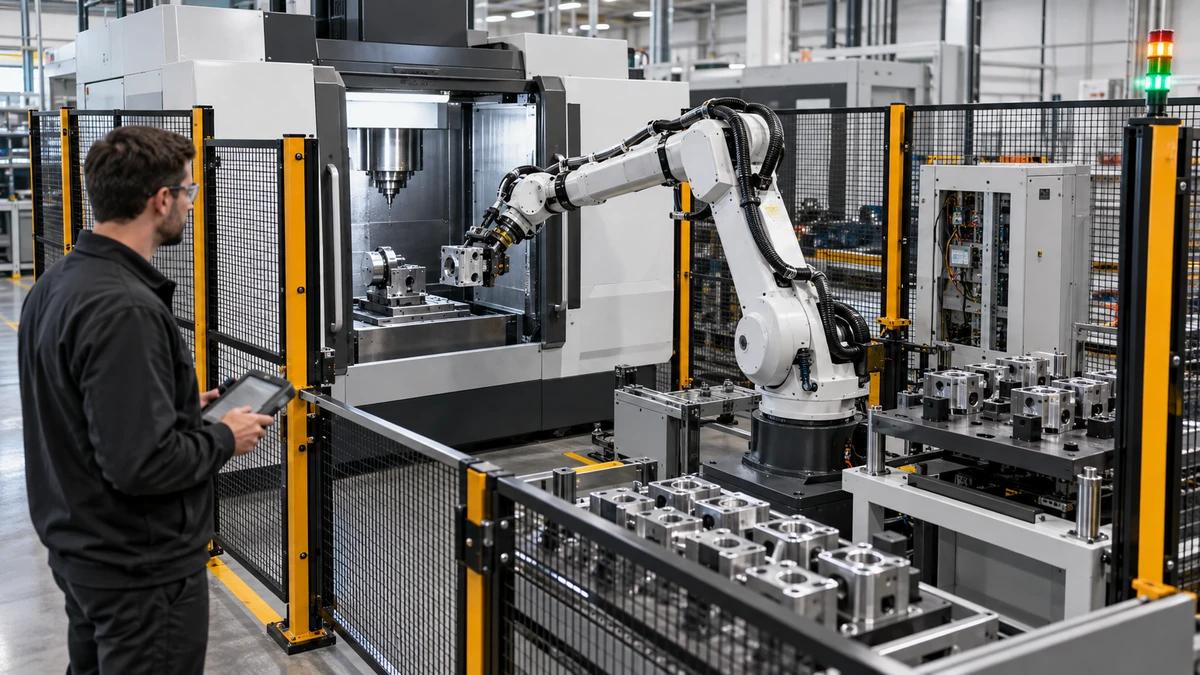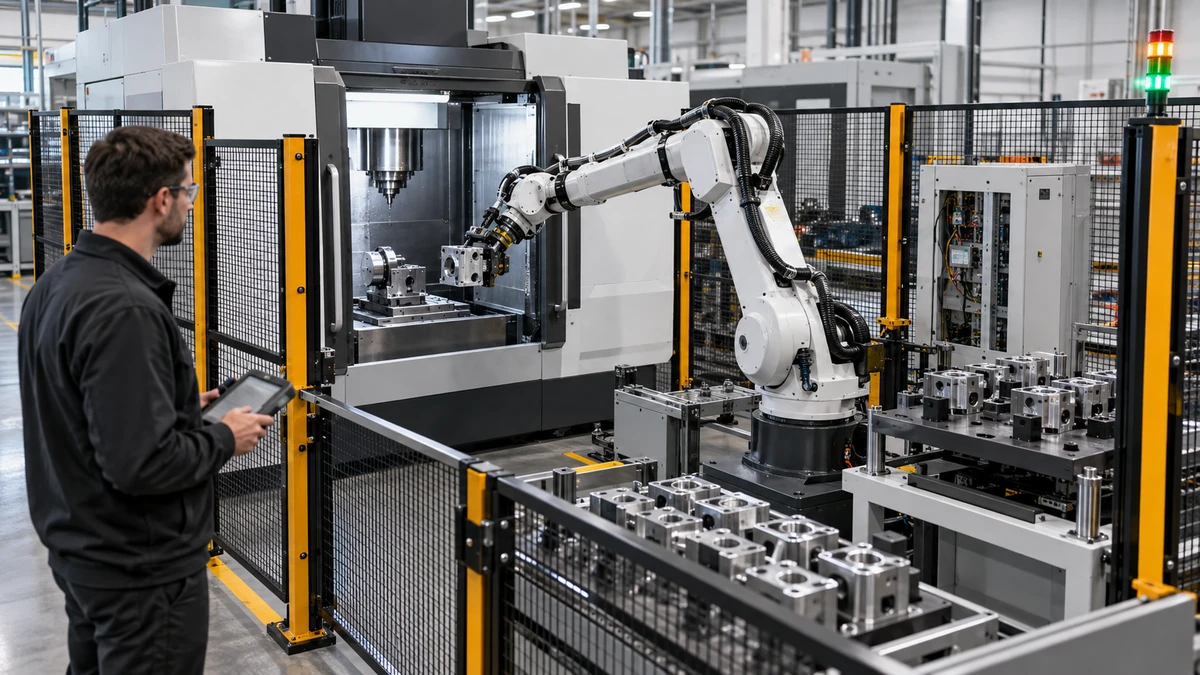
A custom CNC automation solution succeeds when the machine, robot, fixture, safety system, program, and production data agree on what happens next. Many projects struggle because each supplier delivers a capable component but no shared contract for handshakes, recovery, part identity, changeover, or responsibility. This article shows how to define the interface before equipment is ordered.
Describe the production scenario first
Start with the work sequence rather than a robot brand. Describe part presentation, loading, locating, machining, inspection, unloading, scrap handling, buffer capacity, changeover, and operator intervention. State cycle-time assumptions, batch size, shift pattern, part variation, and the quality decisions that must occur before the next step.
The phrase custom CNC automation solution is useful only when it names a controlled outcome. A cell for one stable part is different from a flexible cell serving several families. A lights-out aspiration is different from attended loading with automatic inspection. Make the scenario explicit before selecting hardware.
Establish the interface contract
Write the signals, states, and ownership in plain language. Define ready, busy, complete, fault, safe-to-enter, part-present, clamp-confirmed, program-selected, and inspection-result states. For every signal, state its source, destination, normal state, timeout, reset behavior, and evidence.
| Interface item | Machine side | Automation side | Acceptance question |
|---|---|---|---|
| Cell ready | Reports conditions satisfied | Requests cycle start | Are all prerequisites visible? |
| Part present | Confirms load position | Confirms transfer complete | Can a false positive be detected? |
| Program identity | Validates approved revision | Sends job or recipe ID | Do both sides reject a mismatch? |
| Clamp state | Reads fixture sensors | Commands load and unload | Is a loss of pressure handled safely? |
| Cycle complete | Publishes machining result | Retrieves part and data | What happens after a timeout? |
| Fault and reset | Describes cause and safe state | Requests or permits reset | Who owns recovery authority? |
Treat the table as a contract, not a suggestion. A custom CNC automation solution should not rely on an operator knowing that one light means three different things depending on the shift.
Define the state model and timeout behavior
Use a small, shared state model: idle, preparing, loading, locating, clamped, machining, inspection, unloading, complete, blocked, fault, and safe stop. Document which transitions are automatic, which require an operator, and which require a service-level reset. Define what data is retained when a state is interrupted.
Timeouts need the same care. If a robot waits for a clamp-confirmed signal, does it retry, move to a safe pose, hold the part, or call the operator? If the machine reports cycle complete but the inspection server is unavailable, can the part be released? Decisions like these belong in the design review, not in late commissioning.
Design the fixture around recovery
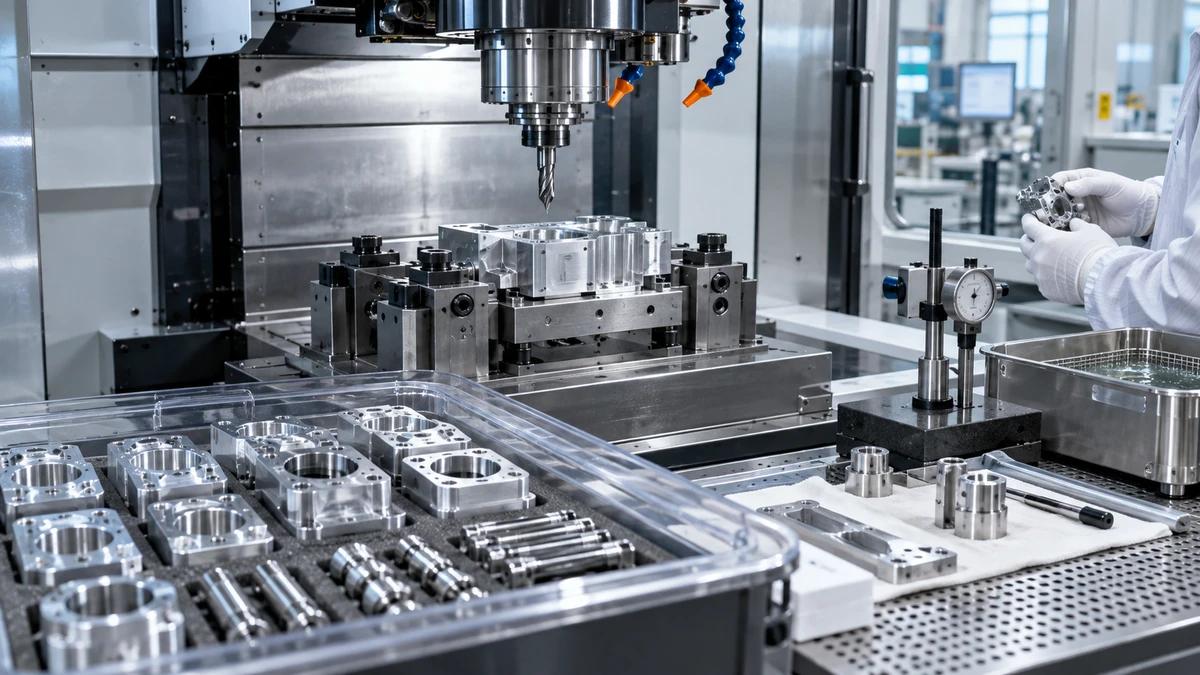
The fixture is where machine and automation meet physically. It must locate parts repeatably, tolerate the expected variation, expose confirmation sensors, drain chips and coolant, and allow safe recovery after a partial cycle. Include access for cleaning, inspection, manual unload, and maintenance.
For a custom CNC automation solution, define a known state after every interruption. The fixture should make it possible to identify whether a part is raw, in process, accepted, rejected, or unknown. A simple status label or serialized carrier can prevent a mixed batch after a power loss.
Coordinate robot, machine, and inspection datums
Align the coordinate systems used by the robot, fixture, CNC, camera, probe, and inspection device. State which datum is authoritative and how a change is verified. Do not solve a coordinate mismatch by quietly editing a robot point or CNC offset without recording the change.
Run a correlation study with a representative part or master artifact. Check pick location, fixture seating, machined feature, probe result, inspection result, and unload position as one chain. Preserve the evidence and define the allowable re-teach process.
Make safety behavior explicit
Automation safety is a system property. Review guarding, access gates, light curtains, scanners, emergency stops, enabling devices, safe speeds, safe torque behavior, trapped-key arrangements, and restart prevention. The ISO 10218 robotics safety standard and OSHA robotics safety resources provide reference points, but the integrator must assess the actual cell.
Define what happens when a person enters, a gate opens, a sensor fails, air pressure drops, or the robot loses a part. Specify the reset location and who is authorized to reset. Never let a cycle restart simply because a network signal returned.
Plan part identity and data handoff
A flexible custom CNC automation solution needs identity management. Choose the identifier: barcode, QR code, RFID, carrier ID, or a controlled job number. Define when it is read, validated, stored, and linked to program revision, tool data, inspection result, operator intervention, and disposition.
Use an exception route for unreadable or duplicate identities. Do not allow the system to default to the last recipe without a visible and authorized decision. Data retention should match quality, customer, and service needs. Record which system owns the master and how a corrected result is issued.
Engineer changeover as a first-class operation
Changeover is where many automation promises are tested. List tooling, fixture inserts, robot grippers, recipes, programs, gauges, labels, and inspection characteristics that change between part families. Define the setup verification and the first-piece release.
| Changeover control | Required decision | Evidence |
|---|---|---|
| Fixture and gripper | Which parts and revisions are compatible? | Approved compatibility matrix |
| CNC program | Who releases the revision? | Program and job record |
| Robot recipe | Which points and speeds change? | Recipe verification |
| Inspection plan | Which features and limits apply? | First-piece report |
| Tooling | Which life and offsets are reset? | Tool setup checklist |
| Labels and data | Which identity rules apply? | Sample trace record |
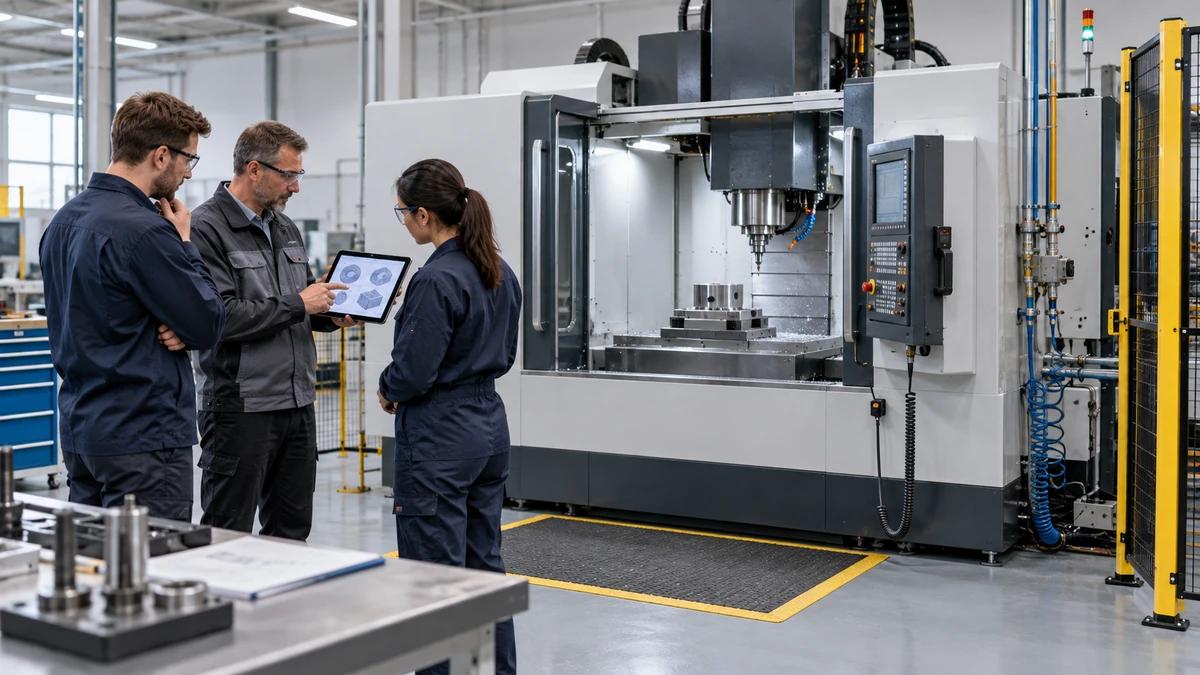
Run a changeover with the people who will do it on the production floor. Measure the time, record confusion, and revise the interface contract. A technically elegant cell that requires tribal knowledge is not ready.
Commission in layers
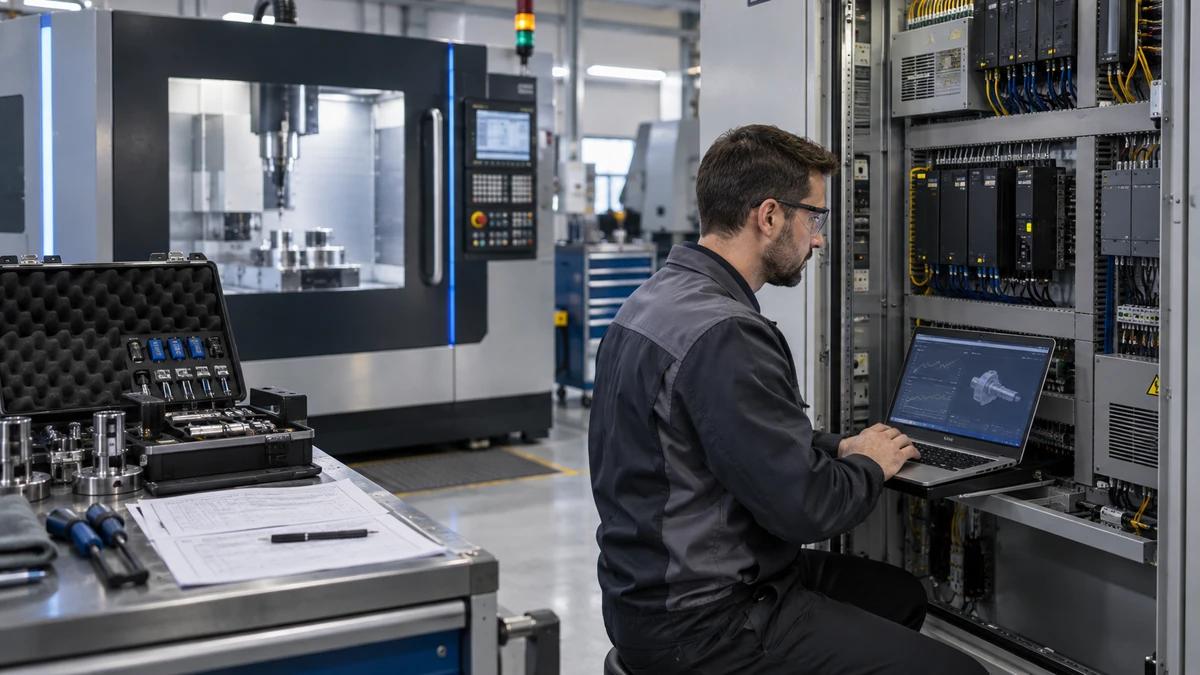
Commission the custom CNC automation solution from the inside out. First prove safety and manual recovery. Then prove machine-only machining, robot dry cycles, fixture sensors, handshake signals, part transfer without cutting, and finally integrated production. Add inspection and data release after the physical sequence is stable.
At each layer, retain the tested configuration, program, recipe, wiring or signal list, and open issue list. Do not accept a full-speed demonstration as proof of recovery or changeover. Ask the integrator to demonstrate a timeout, missing part, wrong recipe, open gate, and power interruption under controlled conditions.
Assign ownership after go-live
The interface contract should name who owns PLC logic, CNC parameters, robot programs, fixtures, safety validation, inspection software, network access, backups, and spare parts. Define response routes and remote-support rules. The Zhihe CNC automation solutions page can support an initial scope discussion, but the buyer should maintain a cell-specific ownership matrix.
Hold a 30-day and 90-day review. Look at nuisance stops, repeated manual interventions, false rejects, missed identities, recovery time, and changeover variation. Convert patterns into controlled improvements. Keep the original baseline so the team can distinguish a planned improvement from an unexplained drift.
The best custom CNC automation solution is not the one with the most hardware. It is the one whose interfaces are explicit, recovery is safe, identity is traceable, and responsibility remains clear when the cell behaves differently from the happy-path demonstration.
Use the CNC machining center range, automation solutions overview, precision machining workflow, and Zhihe CNC contact support as starting points for the project brief.
Automation integration questions
What is a custom CNC automation solution?
It is an integrated cell in which CNC equipment, robots, fixtures, controls, safety, inspection, and data workflows are designed around a defined production scenario and part family.
What should an interface contract contain?
Include signals, states, sources, destinations, normal values, timeouts, resets, safe behavior, ownership, data retention, and acceptance tests for every important interaction.
Why are timeouts important?
They define the safe and useful response when a handshake does not arrive. Without them, the cell may wait indefinitely, retry incorrectly, or leave a part in an unknown state.
How should fixtures support automation recovery?
They should expose repeatable location and confirmation, drain contamination, permit manual access, and make raw, in-process, accepted, rejected, and unknown states distinguishable.
Who owns coordinate alignment?
The project team should name an authoritative datum and verify the relationship among robot, CNC, fixture, probe, camera, and inspection coordinates with a recorded study.
What safety standards should be considered?
Assess the actual cell against applicable local requirements and relevant standards such as ISO 10218. Use a documented risk assessment and validate every protective function.
How should part identity be handled?
Read a controlled identifier, validate it against the job and approved recipe, link it to process and inspection records, and provide an exception path for unreadable or duplicate IDs.
What makes a changeover production-ready?
The assigned operators can change fixtures, recipes, tools, programs, labels, and inspection requirements using a checklist and release a verified first piece without hidden expert intervention.
What should commissioning test beyond the normal cycle?
Test wrong recipes, missing parts, handshake timeouts, open gates, sensor faults, power interruptions, safe stops, manual recovery, and restart authorization.
What should happen after go-live?
Review nuisance stops, manual interventions, quality signals, identity errors, recovery time, and changeover variation at defined intervals, then approve improvements through change control.